
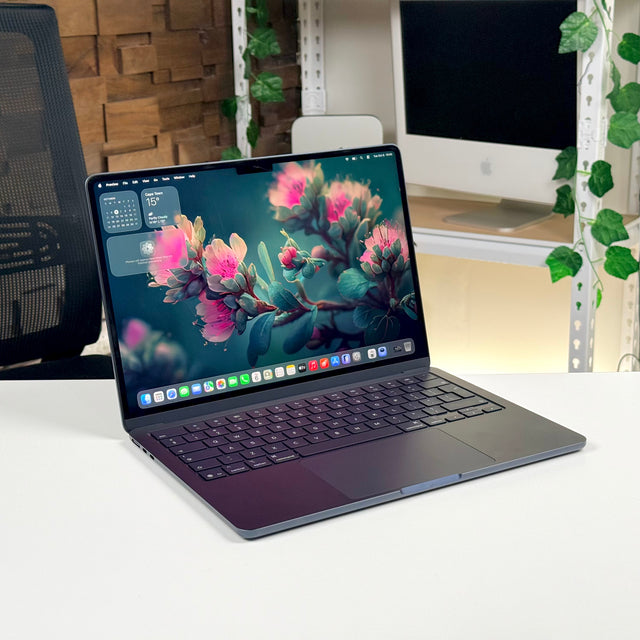
ASUS ProArt × Mac
Every colour, exactly as you made it.
ProArt monitors are calibrated at the factory, Calman Verified and cover the same P3 colour as your MacBook's screen. Plug in one USB-C cable and your Mac gets a bigger canvas that tells the truth.
- ΔE < 2
- Factory colour accuracy
- 99%
- DCI-P3 on the 5K
- 218
- Pixels per inch on the 5K
- 96W
- Charges your MacBook

The colour your Mac already speaks
MacBook screens show the P3 colour range. ProArt covers 98 to 99% of DCI-P3, so the reds and greens you see on your laptop look the same on the big screen.
Text as sharp as your MacBook
The 27-inch 5K PA27JCV has 218 pixels per inch, the same as Apple's own 5K display. macOS draws everything at exactly double, so type stays crisp.
One cable to your desk
USB-C carries the picture, runs the monitor's USB ports and charges your MacBook at up to 96W. No adapters, no power brick on the desk.
Delta E, the measure of colour error
Can you see the difference?
Delta E (ΔE) measures how far a colour on screen is from what it should be. Below 2, most people can't tell the two apart, even side by side. Every ProArt here is calibrated to ΔE < 2 before it leaves the factory. The PA27UCX-K goes further, to ΔE < 1.
Drag the slider to add error to the right-hand patch.
Colour gamut, CIE 1931
More colour than a standard monitor shows.
The horseshoe is every colour the eye can see. Each triangle is the slice a screen can show. Most office monitors stop at sRGB. ProArt reaches DCI-P3, the range video is graded in and your Mac displays, and the 5K and Mini LED models also cover most of Adobe RGB for print work.
DCI-P3: 97 to 99% coverage across the ProArt range
Pixel density, at the same 27 inches
218 pixels per inch is what macOS was drawn for.
macOS looks its best at exactly double resolution. On a 27-inch screen that means 5K. A 27-inch 4K screen has 163 pixels per inch, so macOS has to scale and text looks a little softer. The PA27JCV is 5K, so it matches your MacBook's sharpness.
USB-C
One cable. Picture, ports and power.
Close the lid, plug in, and your MacBook becomes a desktop. The monitor's USB hub runs your keyboard, mouse and drives, and the same cable charges the laptop.
- Picture up to 5K over DisplayPort
- Data the monitor's USB hub
- Power up to 96W to your MacBook
In stock in Bryanston
Choose by what you make.

Photography & print
ProArt PA27JCV
27-inch 5K
For photographers and retouchers who need Retina-sharp detail and prints that match the screen.
Made for Lightroom · Photoshop · Capture One · Photos
- 5120 × 2880
- 5K, 218 PPI
- 95%
- Adobe RGB
- ΔE < 2
- Calman Verified
- 96W
- USB-C charging
1 in stock in Bryanston · free delivery

Video & colour grading
ProArt PA27UCX-K
27-inch 4K Mini LED
For editors and colourists grading HDR. 576 dimming zones and 1,000 nits show highlights the way they will look on a TV.
Made for Final Cut Pro · DaVinci Resolve · Premiere Pro
- ΔE < 1
- Factory calibrated
- 1,000 nits
- Mini LED, 576 zones
- Dolby Vision
- HDR10 and HLG
- 99.5%
- Adobe RGB
1 in stock in Bryanston · free delivery

Design & long timelines
ProArt PA348CGV
34-inch ultra-wide
For designers and editors who want the timeline, the canvas and the panels open at once, without a second screen.
Made for Figma · Illustrator · InDesign · Logic Pro
- 3440 × 1440
- 21:9 ultra-wide
- 120Hz
- Smooth scrolling
- 98%
- DCI-P3
- 90W
- USB-C charging
2 in stock in Bryanston · free delivery

A big 4K workspace
ProArt PA329CRV
32-inch 4K
For anyone who wants more room for everything. Big, accurate and easy on the eyes, with a stand that turns to portrait.
Made for Xcode · Excel · Keynote · everything at once
- 3840 × 2160
- 4K on 31.5 inches
- 98%
- DCI-P3
- ΔE < 2
- Calman Verified
- 96W
- USB-C charging
3 in stock in Bryanston · free delivery
Side by side
The full ProArt line-up.
| Spec | PA27JCV | PA27UCX-K | PA348CGV | PA329CRV |
|---|---|---|---|---|
| Size | 27" | 27" | 34" ultra-wide | 31.5" |
| Resolution | 5120 × 2880 (5K) | 3840 × 2160 (4K) | 3440 × 1440 | 3840 × 2160 (4K) |
| Pixel density | 218 PPI | 163 PPI | 110 PPI | 140 PPI |
| DCI-P3 | 99% | 97% | 98% | 98% |
| Adobe RGB | 95% | 99.5% | – | – |
| Factory accuracy | ΔE < 2 | ΔE < 1 | ΔE < 2 | ΔE < 2 |
| HDR | DisplayHDR 500 | Mini LED, 1,000 nits, Dolby Vision | DisplayHDR 400 | DisplayHDR 400 |
| USB-C charging | 96W | – | 90W | 96W |
| Extras | Auto KVM, anti-glare | Hardware calibration | 120Hz, desk clamp | Pivot stand |
| Price | R 23,999 | R 32,499 | R 25,900 | R 23,900 |
3 months of Adobe Creative Cloud All Apps
Every ProArt comes with Creative Cloud All Apps, Acrobat Standard and Substance 3D for three months, at no extra cost.
Bring your MacBook to Bryanston
Plug into a ProArt in our showroom and see your own work on it before you buy.
Free delivery, Mobicred
Every ProArt ships free in South Africa. Spread the cost with Mobicred at checkout.
Also from ASUS
More for your Mac setup.

ZenScreen portable
A second screen in your laptop bag. One USB-C cable.
R 2,999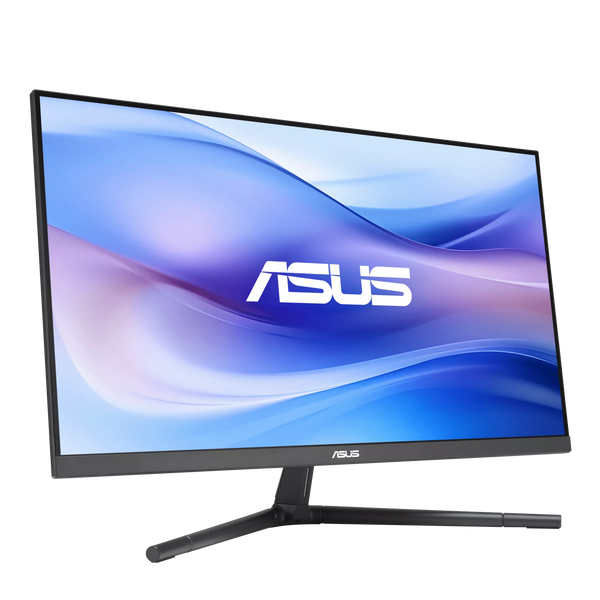
Eye Care monitors
Everyday 24- and 27-inch screens in soft colours.
From R 2,499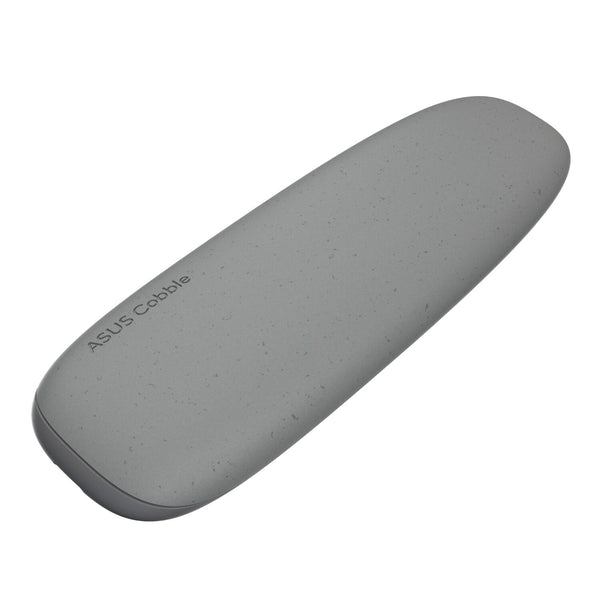
Cobble SSD enclosure
Turn an M.2 drive into fast pocket storage.
R 849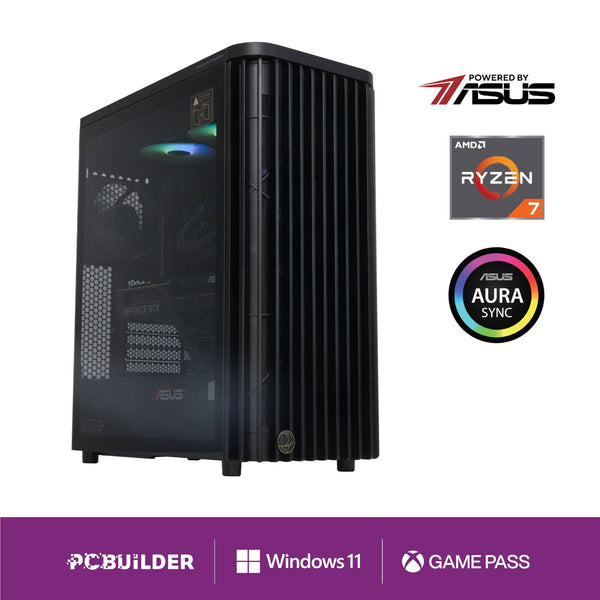
ASUS-powered desktops
Creator and gaming PCs built on ASUS parts.
From R 18,299Questions
Before you plug in.
Not sure which one suits your Mac? WhatsApp us with your Mac model and what you work on.
Will a ProArt work with my Mac?
Yes. Any Mac with USB-C or Thunderbolt connects with one cable. A Mac mini or Mac Studio can also use HDMI or DisplayPort. There are no drivers to install.
Will it charge my MacBook?
The PA27JCV and PA329CRV give up to 96W and the PA348CGV up to 90W. That keeps any MacBook Air or 14-inch MacBook Pro charged. A 16-inch MacBook Pro still charges, just more slowly than on its own adapter.
How many monitors can my Mac run?
It depends on the chip. A MacBook Air with M1 or M2 runs one external screen. Pro and Max chips run two or more. Send us your model and we'll tell you.
Do I need to calibrate it myself?
No. Each ProArt is calibrated at the factory. Choose a colour mode from the menu, such as sRGB, DCI-P3 or Rec. 709, and start working. The PA27UCX-K also supports hardware calibration with your own calibrator.
Which one is best for photo editing?
The PA27JCV. It is 5K for Retina-sharp detail and covers 95% of Adobe RGB, so prints match what you see on screen.